Loan origination and loan administration
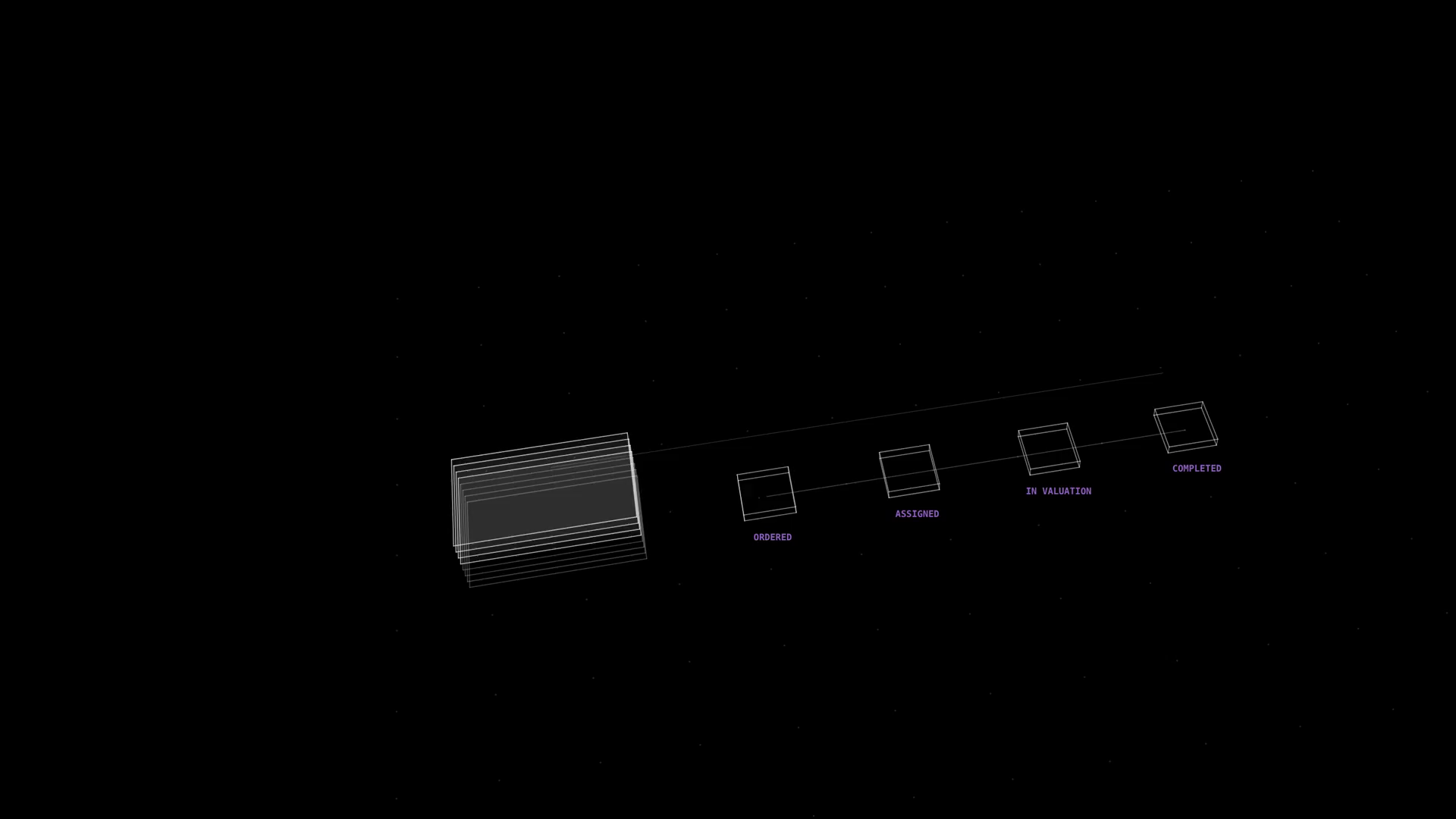
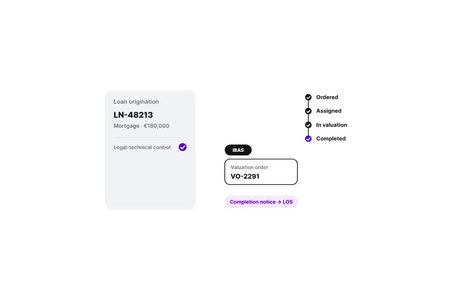
Valuation orders in. Status updates and completion notices out.
In your own Azure cloud, or on an installation operated by INDEV.
Book a working sessionEvery IBAS component runs as a container in your chosen cloud, with AI on GPUs alongside it. Case data, models and logs stay there. Nothing goes to a third-party AI provider unless you opt for an external model such as Azure OpenAI, which is set in configuration and tested before use. On an installation operated by INDEV, smaller banks and firms share the platform and the AI model, with each organisation’s data kept apart.
These interfaces run in production today and are mapped to your own systems during rollout. Orders can also come in through a client portal, a bulk file or manual entry, and every call is logged.
Valuation orders in. Status updates and completion notices out.
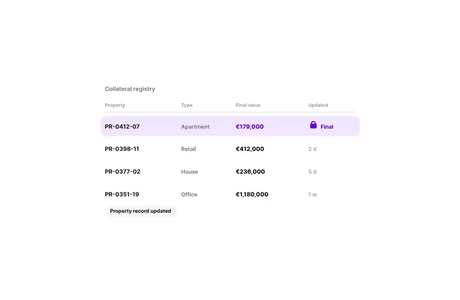
Final values and property records.
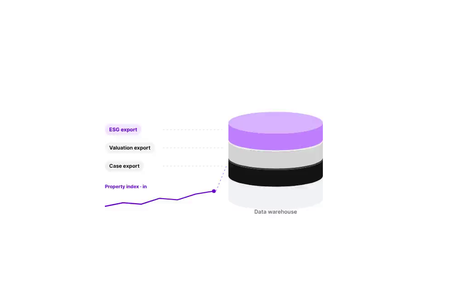
Case, valuation and ESG exports out. Property-index feeds in.
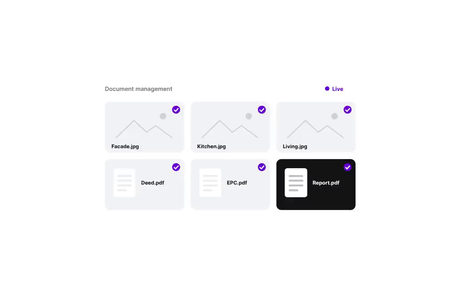
Real-time upload of photos, files and reports.
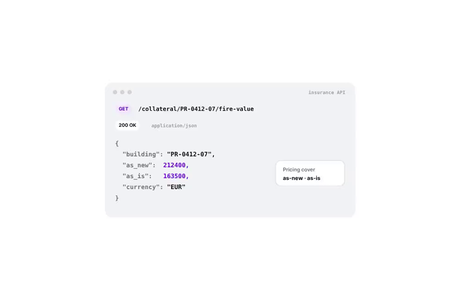
Fire-insurance building values over REST.
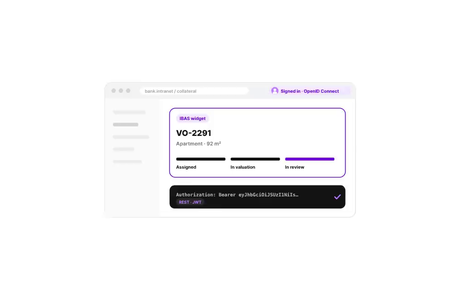
Embedded widgets and secured APIs, with single sign-on through your identity provider.
Single sign-on with your identity provider, a web app, embeddable widgets and secured APIs.
Case and workflow services, and a bulk processing engine for mass onboarding and portfolio-wide revaluation.
The INDEV agent service and AI models on GPUs in your environment, with every run monitored and logged.
A spatial database, document storage and a full audit log, all inside your environment.
Not a development project. You configure IBAS, you don’t build it. Final scope is agreed in discovery.
Install in your Azure cloud or start on an INDEV installation, and connect single sign-on. Set up entities, policy, case types, panels and fees, without code.
Connect your order, collateral and document systems through standard interfaces. Migrate cases, history, comparables and documents, with trial runs.
User acceptance and a parallel run, then the final migration and switch-over.
Run by INDEV: data mapping, case history, documents and reconciliation reports.